 Apex Black
: Dashboard, Reviews & Training
Your business, at a glance.
Sales, profit and inventory value on one screen. Amazon's own review request, sent for you. And a wholesale curriculum that comes with every account.
7 days free, then $149 a month, plus tax where applicable. Card required, nothing charged until day 8. Cancel any time before then.
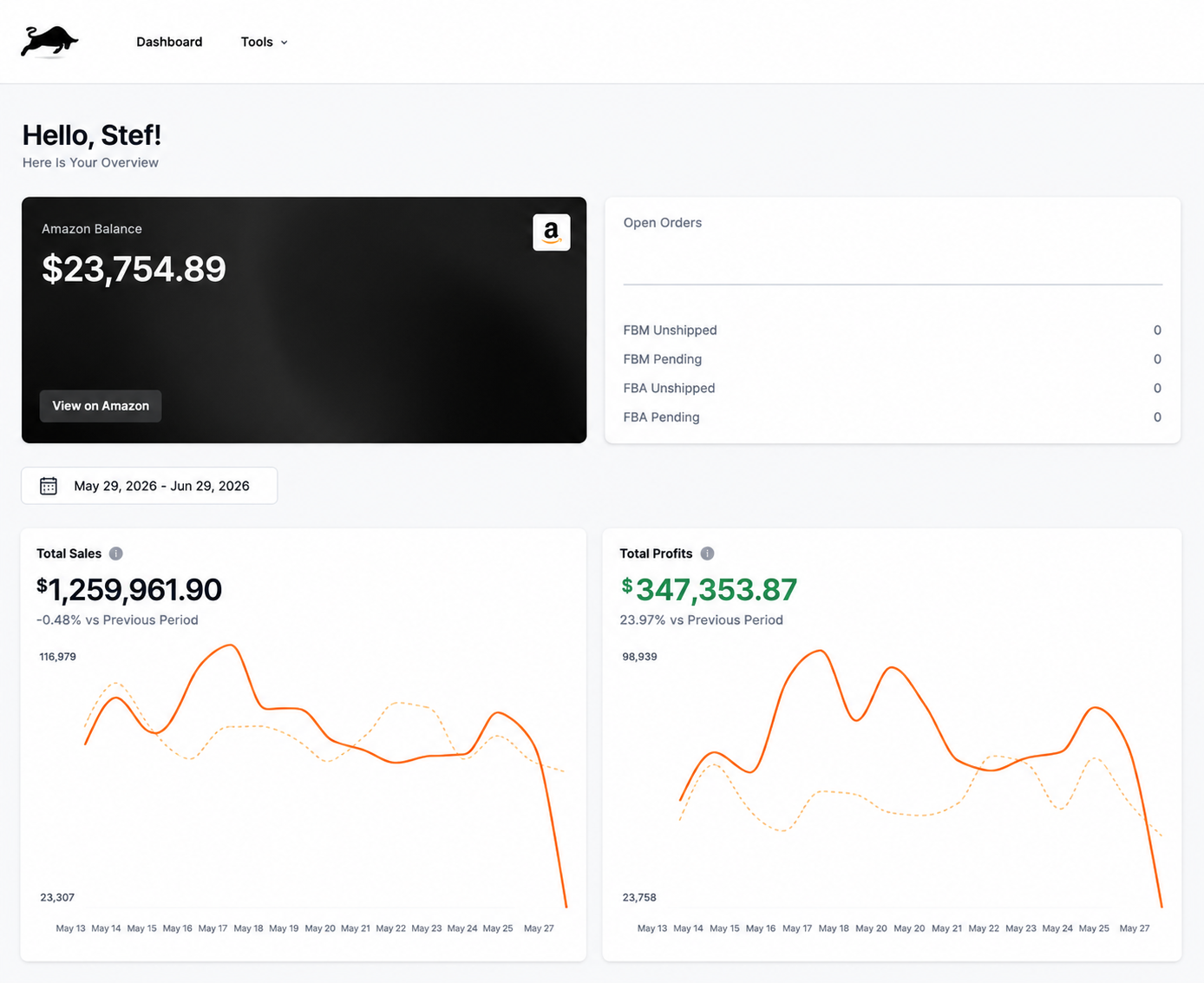
Where every Apex day starts.
- One screen.
- Sales, profit and inventory value, with daily velocity by SKU and brand performance.
- Amazon's own button.
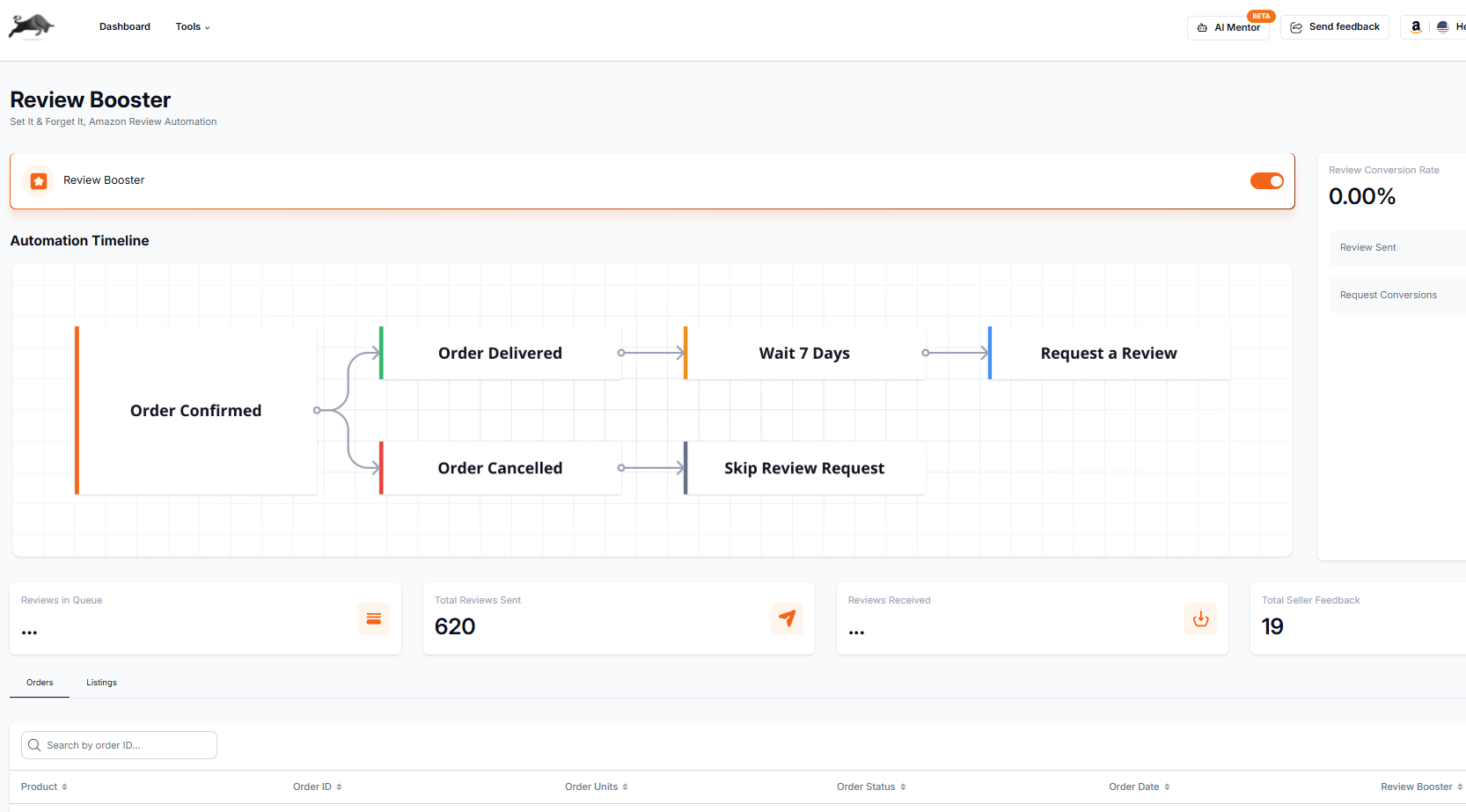
- Review Booster sends Amazon's Request a Review on eligible Amazon.com orders, after the wait you choose.
- Every lesson.
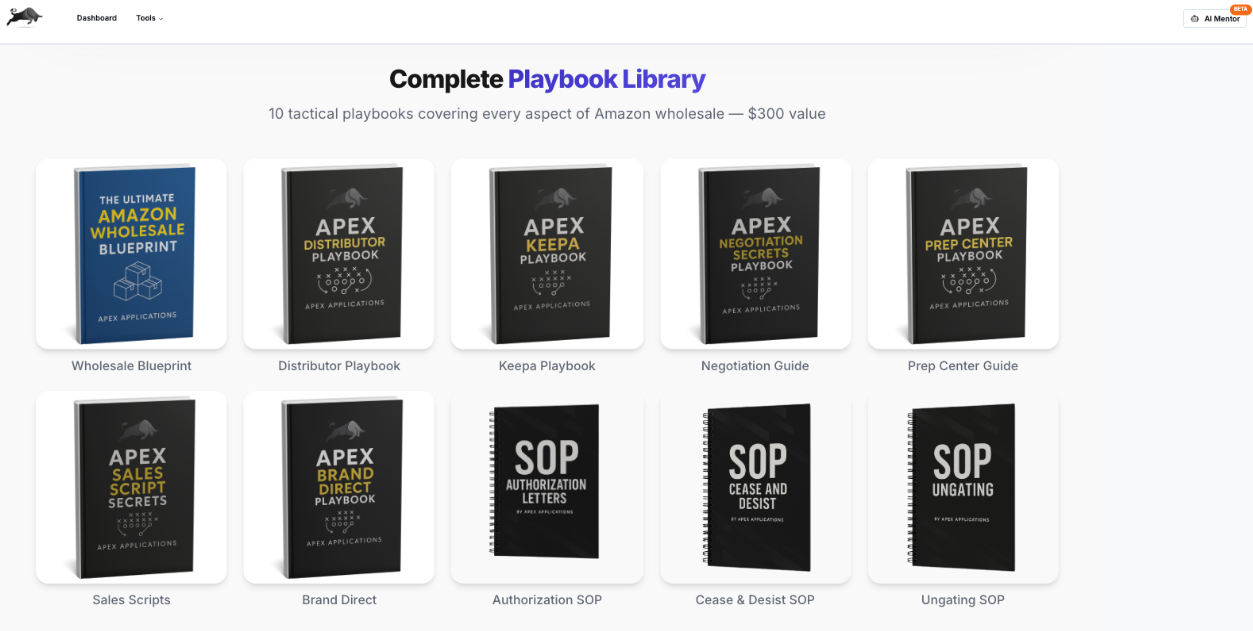
- Apex University's Wholesale Blueprint comes with every account.
Review Booster
Every eligible order, asked.
Amazon's standard Request a Review, sent a set number of days after the order, with a log of every request. It never picks buyers by sentiment and cannot write or guarantee a review.
- You choose the wait after each order
- Leave out any listings you do not want asked about
- Amazon's own message, no custom wording
- A log of every request sent
Apex University
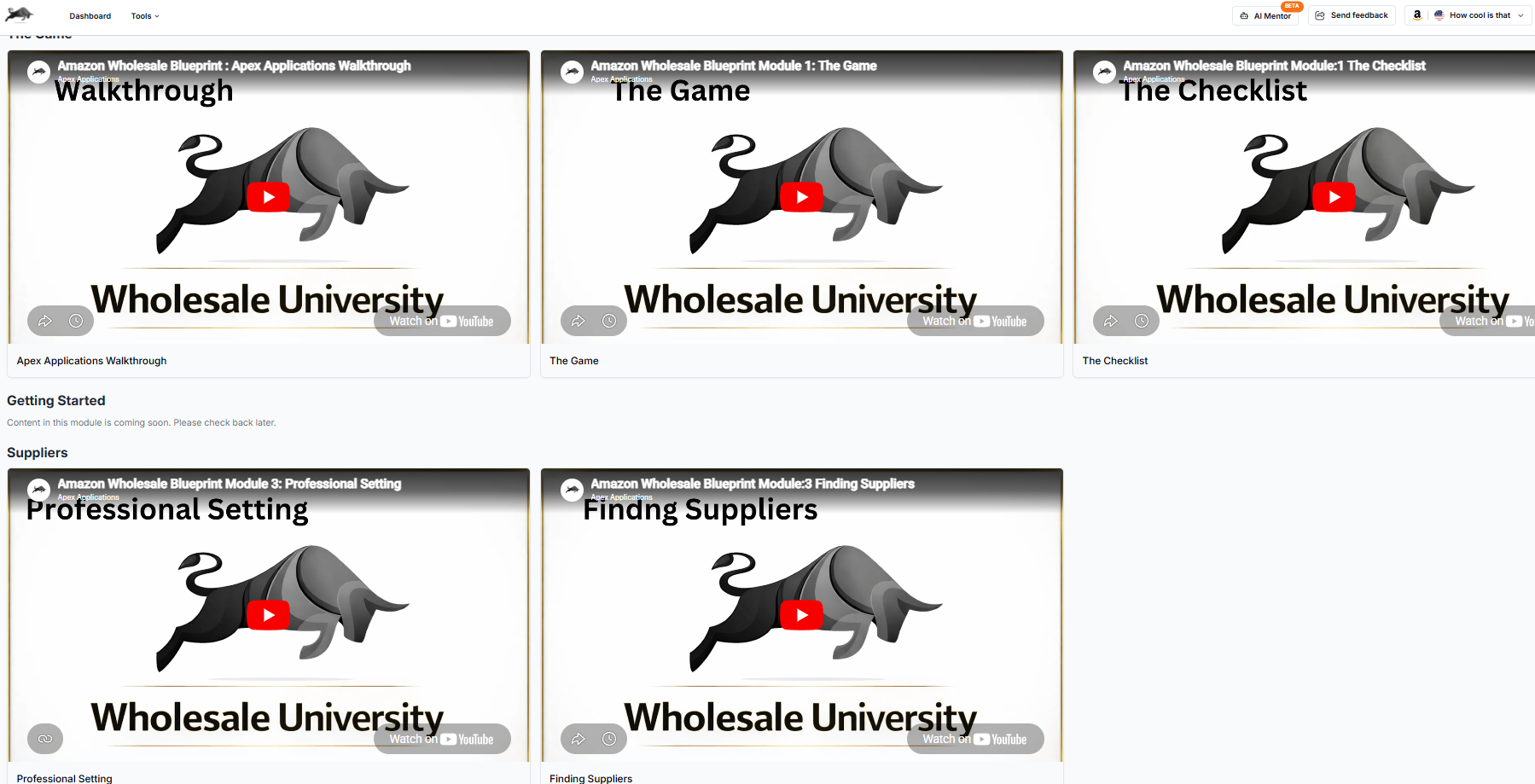
The Wholesale Blueprint.
A video curriculum for Amazon wholesale sellers. Work through the lessons one at a time and put each into practice.
Resource Library
The right people, already found.
Prep centers and 3PLs, IP and legal services, P&L templates and currency exchange providers, inside the app.
At a glance
Apex Black, in plain terms.
There is no single view of how the business is doing, and buyers only leave reviews if someone remembers to ask.
Who it is for
What you need
- Your Amazon account connected, for the dashboard and Review Booster
What you get
How it works
- Open the dashboard for sales, profit and inventory at a glance
- Switch on Review Booster, choose how many days to wait after an order, and leave out any listings you want
- Work through Apex University, one lesson at a time
From Amazon, and from you
Synced: Orders and sales from Amazon feed the dashboard and decide which orders Review Booster can ask about.
You add: The wait in days and any listings to leave out of review requests.
Plans
- Review Booster: 20 requests a month on Beginner, unlimited on Starter and Pro
- Apex University comes with every account
Good to know
- Review Booster sends Amazon's standard message. It cannot write reviews, choose which buyers are asked, ask only happy buyers, or guarantee a review.
- Amazon.com orders only, and Amazon decides which orders are eligible.
With ChatGPT or Claude
“How is my business doing overall?”
Your assistant reads the same snapshot the dashboard shows.
Start every day with the whole picture.
7 days free, then $149 a month, plus tax where applicable. Card required, nothing charged until day 8. Cancel any time before then.
Guides for Apex Black
- Automate review requestsWhat Amazon's Request a Review button does, what its rules allow, how to send it for every eligible order, and what no tool can promise you.
- Wholesale vs private labelWholesale and private label compared on money, time, risk, approvals and control, in one table, so you can pick the model that fits your situation.
- Is Amazon FBA worth it?Who Amazon FBA still works for, who should not start, what it costs to begin, how long money takes to come back, and how to test it cheaply first.
- Online vs retail arbitrageWhat online arbitrage and retail arbitrage mean, how each works on Amazon, the rules that apply, the time and money each takes, and when to move on.